Features
One WordPress workflow for AI drafting, SEO cleanup, and publishing
ArticlePress AI is for teams that are tired of drafting in one place, fixing links in another, and publishing somewhere else. It keeps the messy middle of publishing inside WordPress.
Use it when the draft is not the hard part anymore. The hard part is everything that happens between “I have an idea” and “this post is ready to publish.”
Want the practical path before you download? Start with the install guide or open troubleshooting.
Workflow fit
This page is for you if
- You want drafting, links, cleanup, and review in one WordPress flow
- You want speed first, but still want a more controlled mode when needed
- You publish often enough that repeatability matters
- You would rather start with managed access than spend day one wiring API keys
If what you really want is a chatbot, a keyword tool, or a big AI toolbox, this is probably not your page.
Core workflow
Generate content where it will actually be published
The point is not just getting a draft out. The point is keeping the real publishing work close enough that WordPress does not turn into the last slow step.
Draft from inside WordPress
Start from a topic, title, or publishing goal without writing somewhere else first and pasting it back later.
Support image and linking tasks
Handle images, internal links, and external references in the same run instead of turning them into separate cleanup chores.
Clean up for SEO before review
Get structure, formatting, and enrichment closer to review-ready before the post hits your final editorial pass.
Repeat the same workflow at scale
Use the same operating pattern whether you publish once a week or manage several WordPress sites at the same time.
Workflow screens
What the plugin actually looks like inside WordPress
These are real interface views from the current product: overview, article queue, and batch creation flow.
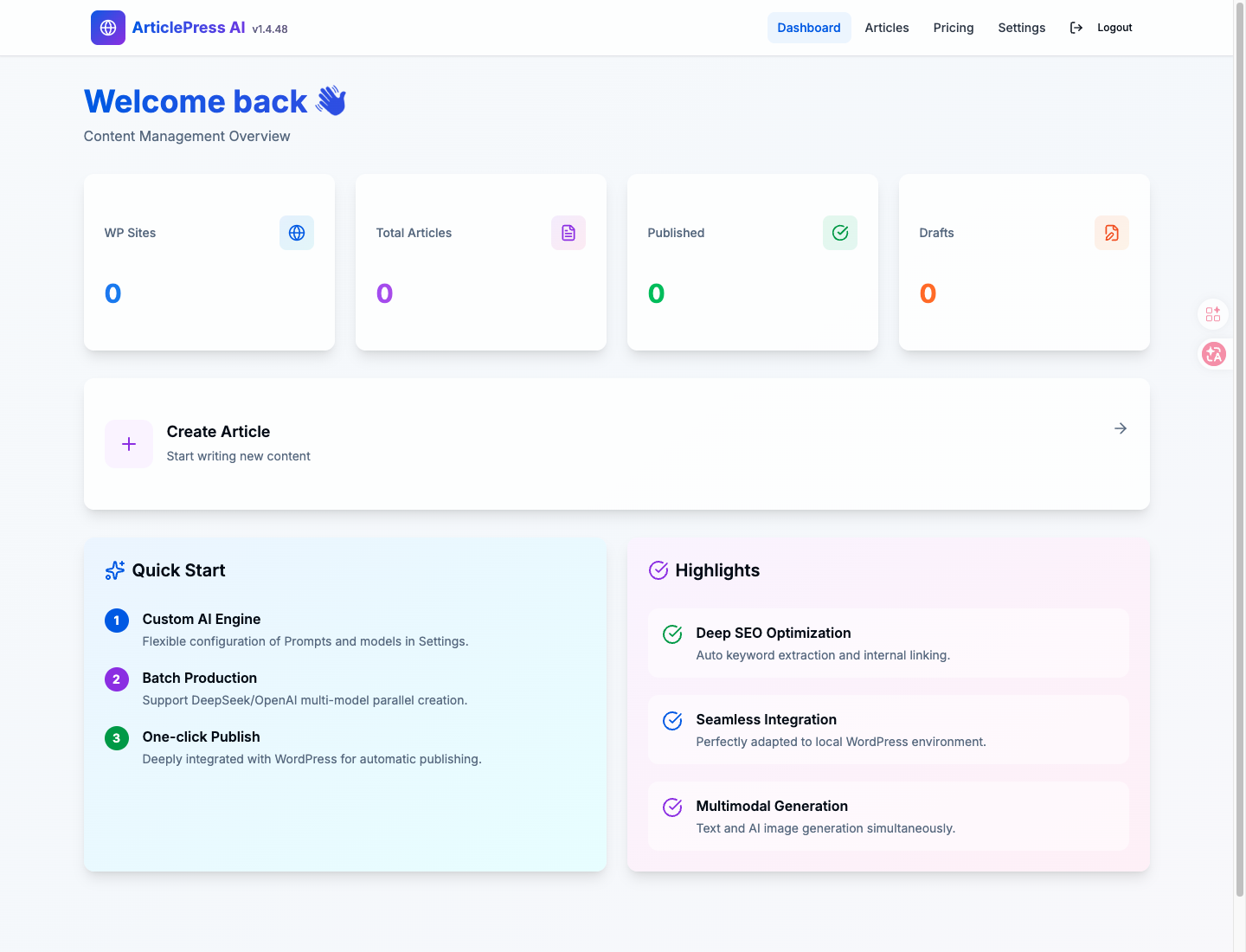
Interface 01
Dashboard overview
Start from one operational view instead of guessing where drafting, credits, and next-step actions live.
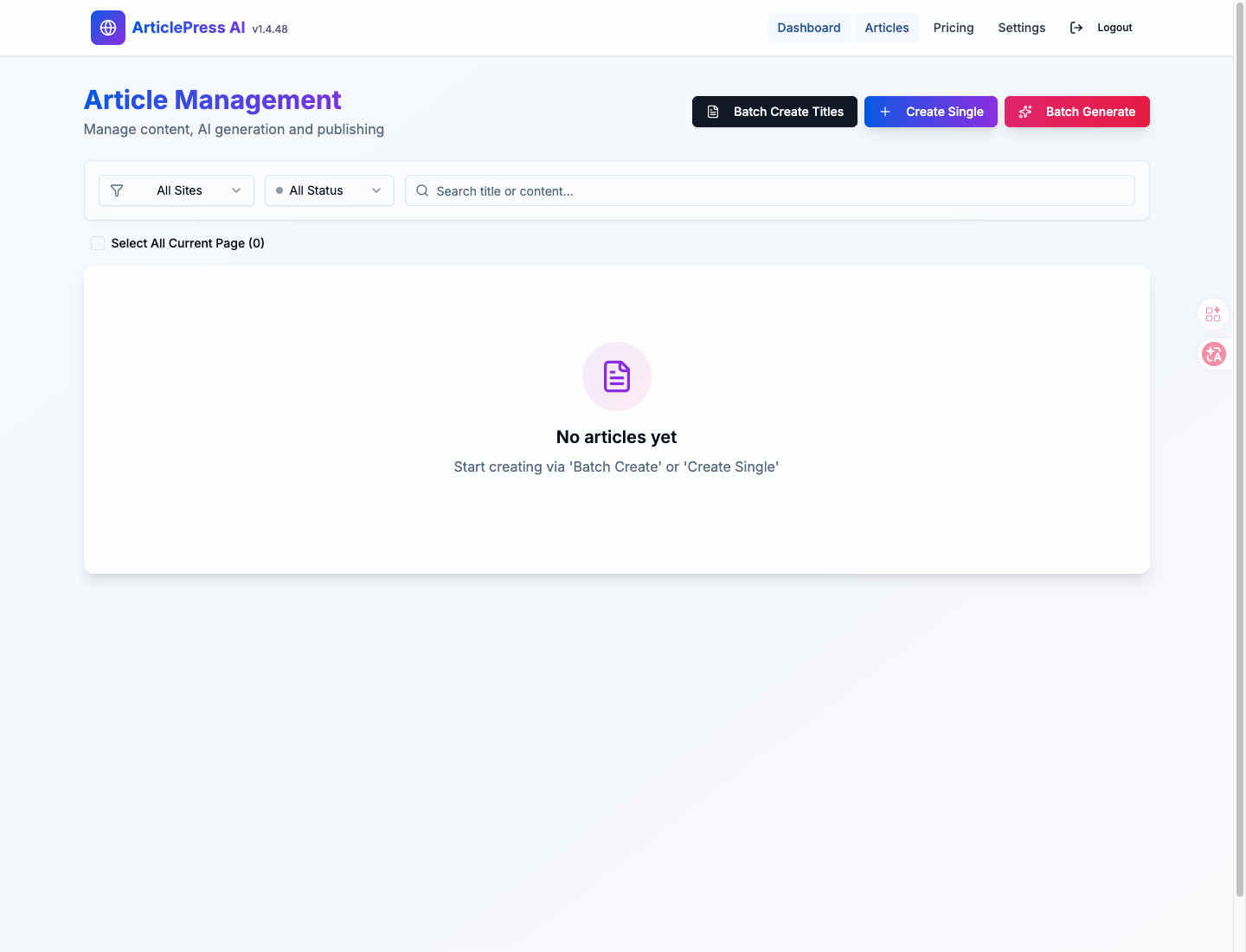
Interface 02
Article workspace
Keep post-level work in a dedicated queue so teams can move from topic to draft without a side stack of external tabs.
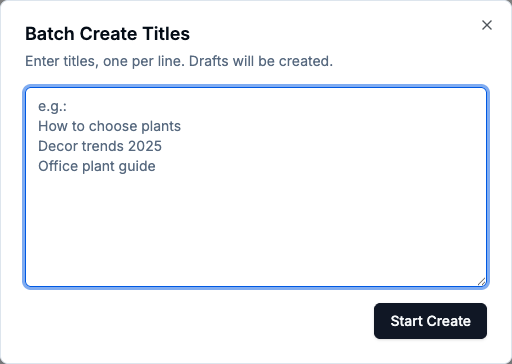
Interface 03
Batch title creation
Use a compact batch step for title generation before you move into drafting, enrichment, and cleanup.
Mode 01
Use Smart mode for speed
Use Smart mode when you want to move fast. It gets you from topic to workable draft without overthinking prompts and settings.
- Less setup friction for day-to-day drafting
- A cleaner path for solo publishers and small teams
- Better when output speed matters more than fine-grained control
Mode 02
Use Pro mode for tighter control
Use Pro mode when you want more say over the output. It is better for tighter standards, repeatable structure, and teams that care about the details.
- A better fit for agencies and operators with stricter review standards
- Useful when prompt control and structure matter more
- Still keeps the workflow in WordPress instead of pushing work back outside
Operational leverage
Run the same publishing routine every time
ArticlePress AI is strongest when your real problem is repeatability. Instead of rebuilding the workflow for every post, you keep one pattern for drafting, cleanup, review, and publishing.
- More stable content operations across one site or several
- Less tab switching between AI tools and WordPress
- A cleaner handoff between drafting, review, and publishing
Managed AI access by default
Managed access is the default. That means teams can start faster without stopping to set up providers, keys, and extra moving parts.
That matters most when you want the workflow live quickly, not when your main goal is experimenting with model infrastructure.
Best fit if this sounds like your day-to-day
- You publish straight from WordPress and want the work to feel less fragmented
- You run repeatable workflows across client sites or several properties
- You already know what to publish and mostly need cleaner execution
- You want managed access instead of more model-stack setup
Probably not the right fit if
- You are really shopping for a keyword tool or SEO score checker
- You want a WordPress chatbot or assistant more than a publishing workflow
- You need deep enterprise approvals before the tool is even usable
- You expect unlimited free generation instead of a managed-service model
FAQ
Questions teams usually ask before installing
Do I still need separate tools for images and links?
Usually not. The whole point is to stop rebuilding the same publishing stack every time. Images, links, and cleanup are meant to stay in the same workflow.
Is this better for one WordPress site or for multiple sites?
Both. One site gets simpler. Multiple sites get more repeatable. The difference is not the site count. It is how often you need to run the same workflow again.
Do I need my own API keys for the default workflow?
No. The default path is managed access, which is why this fits teams that want to publish faster without adding more setup work before the first post.