WordPress AI publishing plugin
Generate, clean up, and publish in WordPress without bouncing between tabs.
ArticlePress AI is for bloggers, SEO teams, and agencies that are tired of drafting in one tool, fixing links in another, and finally pasting everything back into WordPress.
If WordPress is where the work actually ends, this is the workflow to test first.
Download the ZIP, install it in WordPress, and see whether it feels easier than what you do now.
Every new account starts with 100 credits, which is usually enough to test roughly 10 to 20 article runs.
Need the setup path first? Read the install guide or open troubleshooting.
This works best if you want to
- Start without wiring up model keys
- Draft, clean up SEO, and publish in one place
- Use Smart mode when you want speed and Pro mode when you want tighter control
- Reuse the same workflow across one site or a stack of sites
If you mostly want a general chatbot or a heavy editorial suite, skip this one.
AI writing feels fast right up until you have to publish.
The slow part usually starts after the draft. You still have to move the post into WordPress, clean up structure, upload images, add links, and get everything ready to publish. ArticlePress AI is built to keep that part inside the CMS.
What you can actually get done with it
Start the draft in WordPress
Go from topic, title, or content goal to a working draft without leaving the CMS.
Switch between Smart and Pro
Use Smart mode when you want the fast path, or switch to Pro when the job needs tighter control.
Keep the cleanup in the same flow
Handle images, links, and publishing cleanup in the same workflow instead of bolting them on later.
Real product interface
See the plugin before you install it
These are real screens from inside the plugin, not mockups: the dashboard, the article workspace, and the batch title flow.
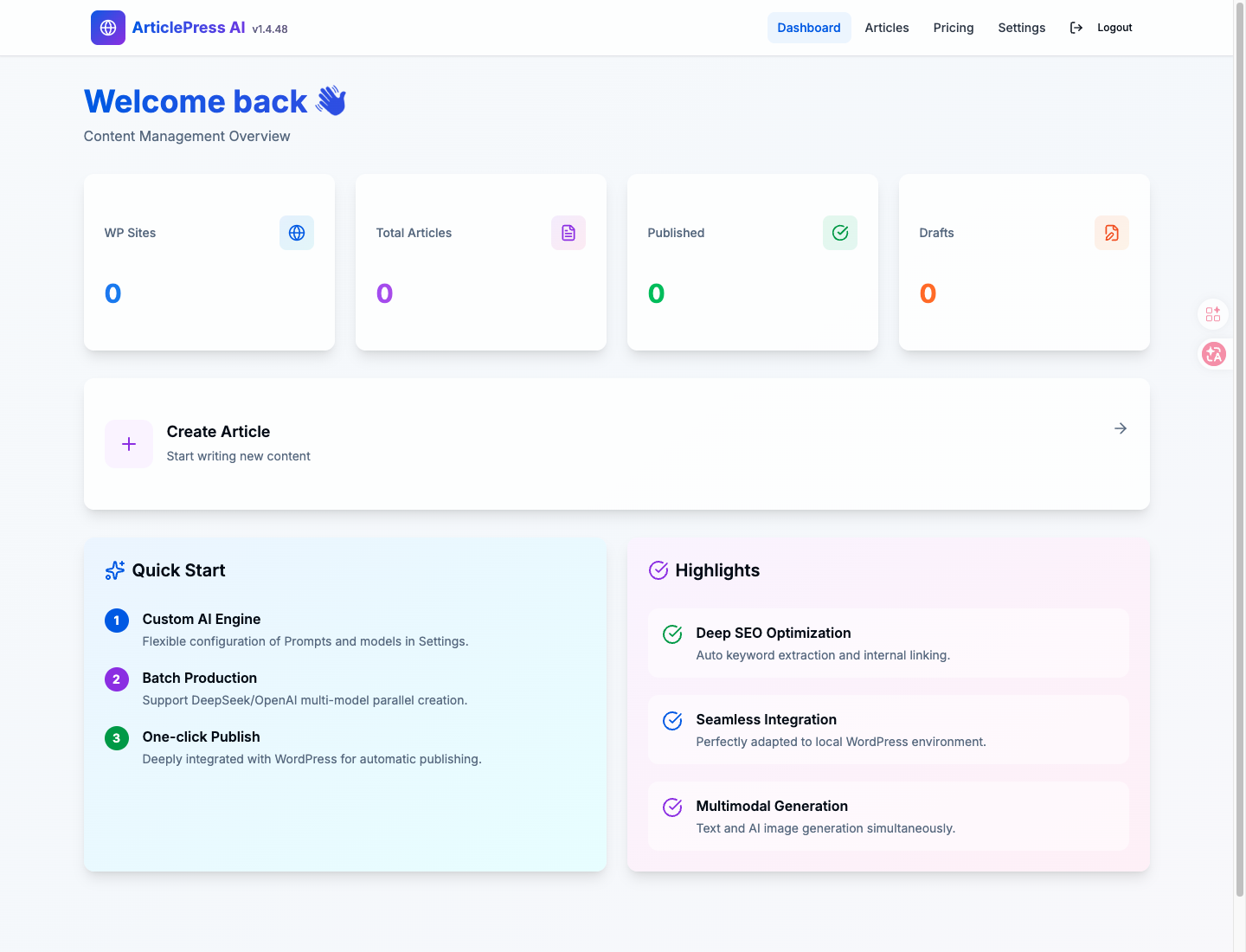
Screen 01
Dashboard overview
See your credits, recent workflow state, and the quickest way into drafting or batch work without guessing where to click first.
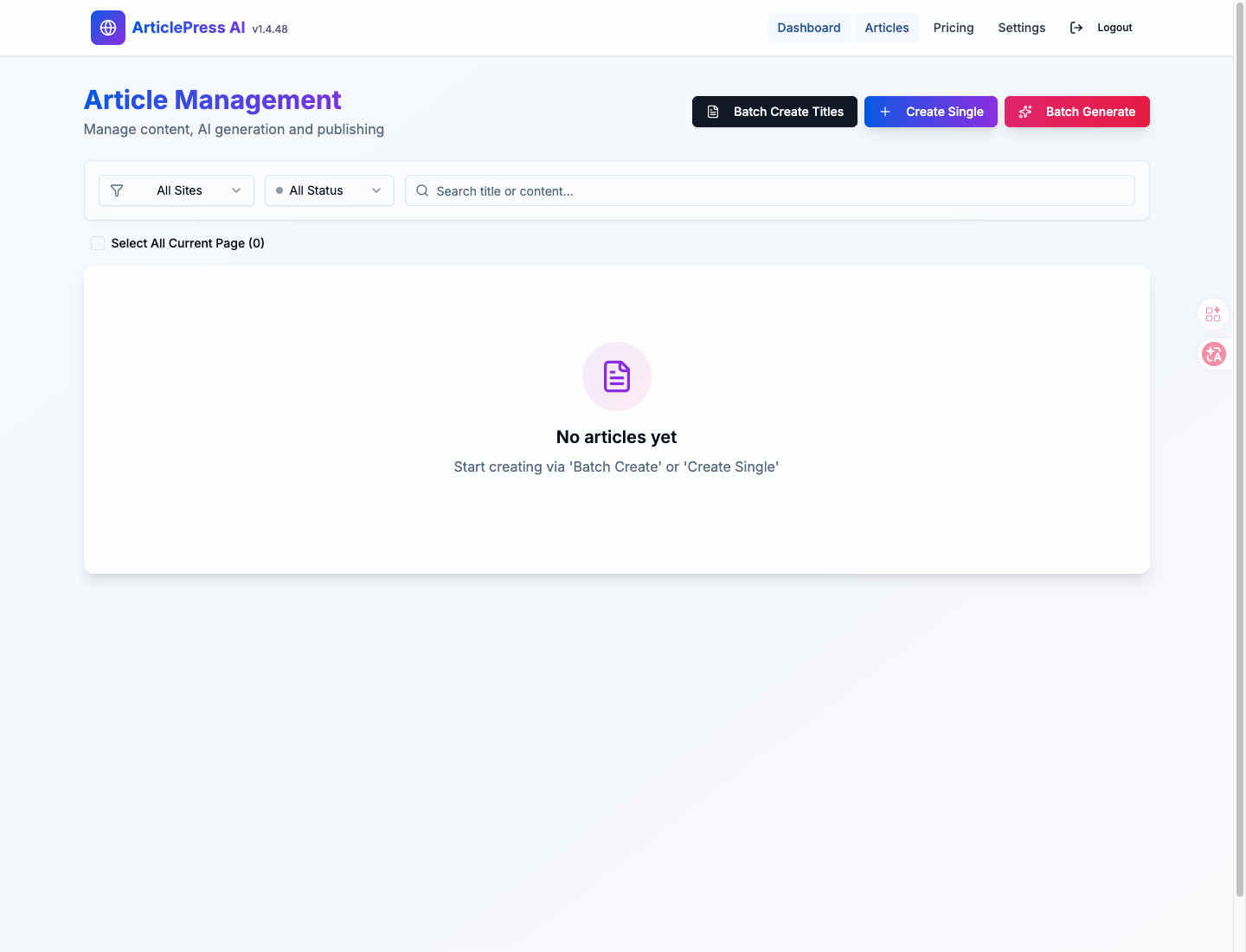
Screen 02
Article workspace
Work from a post queue instead of bouncing between chat tabs, notes, and manual copy-paste cleanup.
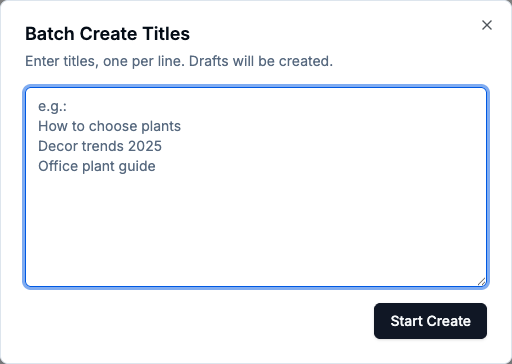
Screen 03
Batch title creation
When volume is the job, start with title sets first and then move into drafting and cleanup.
What teams usually use it for
Drafts that are closer to ready
Start from a topic or title list and get to a working draft without leaving WordPress.
The cleanup people usually postpone
Handle internal links, external references, and pre-publish cleanup as part of the workflow instead of saving it for later.
Repeatable batch work
Use the same WordPress workflow whether you publish occasionally, every week, or across multiple sites.
See the four-step workflow | Compare it with other WordPress AI plugins
How the workflow usually goes
1. Start with a topic, title list, or content goal.
2. Generate in Smart mode or Pro mode.
3. Run the image, link, and cleanup pass.
4. Review it and publish inside WordPress.
Who usually gets value from it first
Bloggers
Keep publishing without building a whole side stack around external AI tools.
SEO agencies
Reuse the same workflow across client sites and cut down repetitive production work.
Niche site operators
Scale search-led publishing without constantly switching between tools and tabs.
Usually a fit if
- You publish directly in WordPress
- You want one workflow you can repeat across posts or sites
- You care about the cleanup after the draft, not just the draft itself
- You want managed access instead of setting up model providers yourself
Probably not a fit if
- You mainly want a general chatbot
- You need a heavy enterprise workflow from day one
- You expect unlimited free generation with no managed-service tradeoff
A few questions people usually ask first
- Do I need my own OpenAI or Anthropic key? No, not for the default managed workflow.
- Is this just another AI writer? No. It is built for the work that happens after the draft too.
- Who usually gets value first? Bloggers, SEO teams, and agencies that already publish in WordPress.
If your publishing job still lives across five tabs, start here.
Download the plugin and see whether it makes the whole draft-to-publish stretch feel easier on your site.